Every client project, clear to your team and your clients.
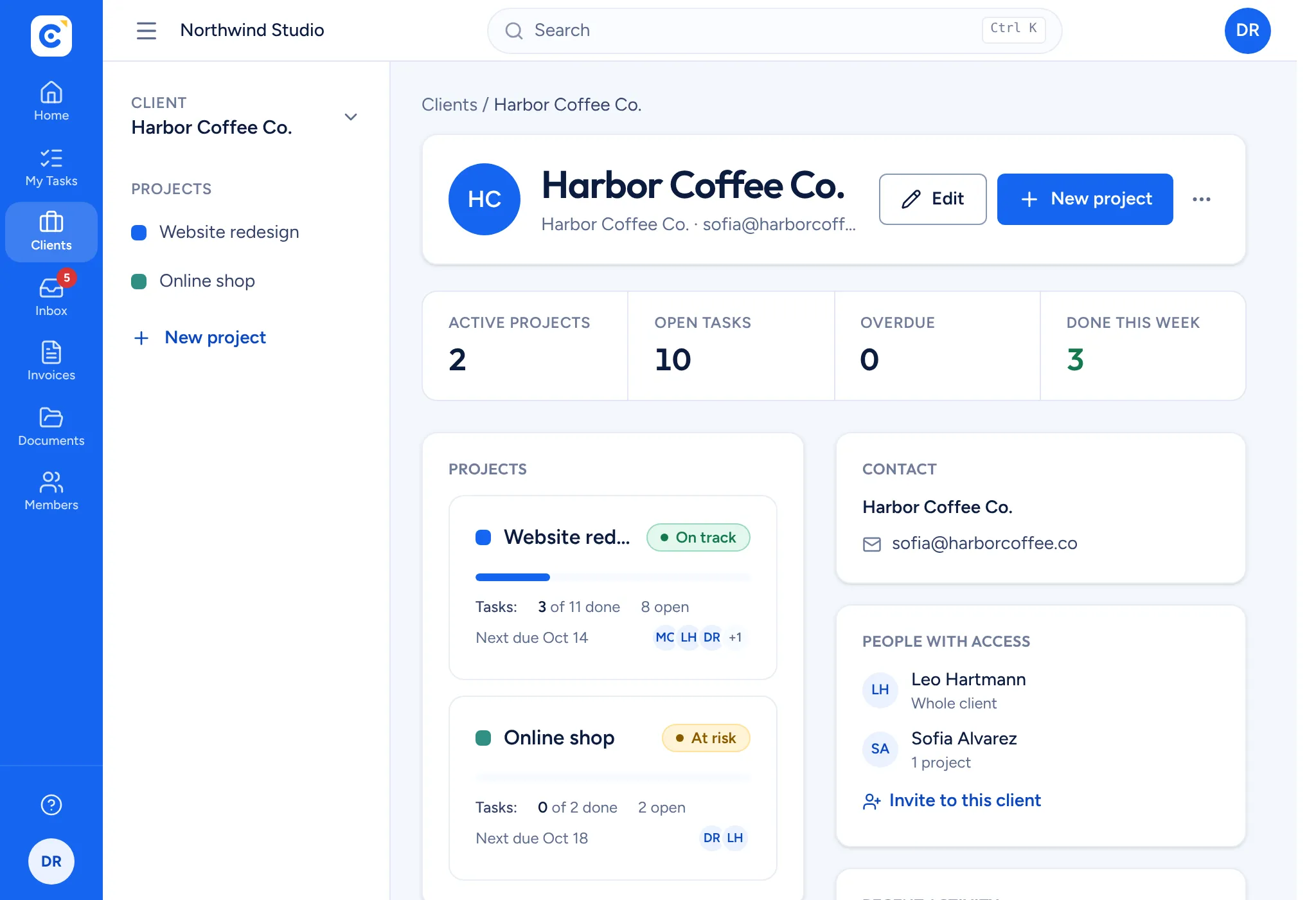
When a few people work across many clients, things get lost between inboxes, drives and invoicing tools. Clientfolk gives your team one shared plan, one document library and one invoice list for every client, and gives each client a live window into their own projects, nothing more.
Growing from one client to many brings new problems.
Who is doing what?
With several people on several projects, it is hard to see who owns a task and what is due this week.
Clients chase for updates
Account managers spend hours on reports and calls because clients cannot see progress for themselves.
Sharing feels risky
Inviting clients into your tools often means they see more than they should, or you pay for extra seats.
One plan the whole team can trust
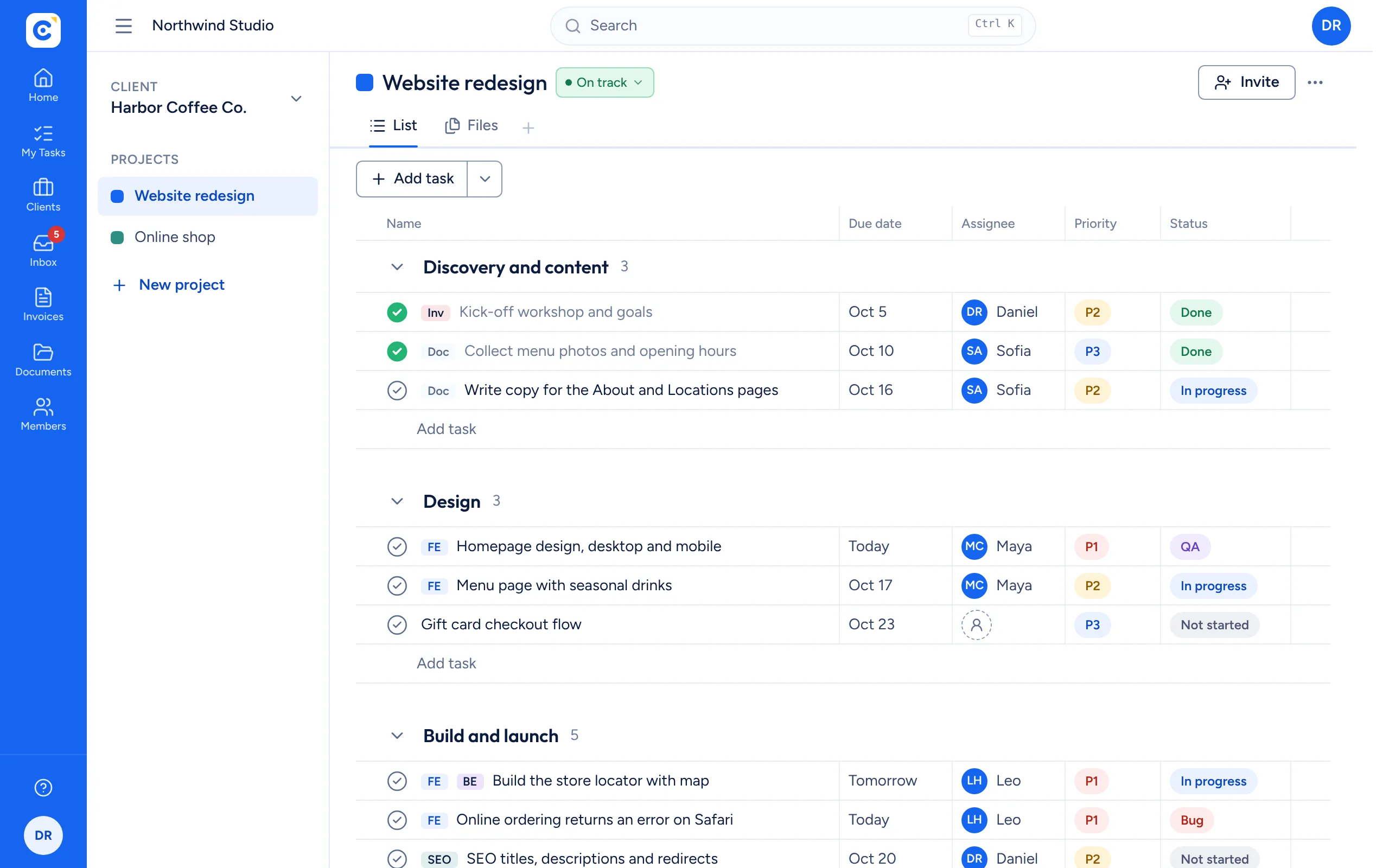
Each project has a task list with sections, owners, due dates, priorities and statuses, from Not started through QA to Done. Your team works from the same list, everyone has their own My tasks view, and client pages show progress, activity and billing in one place.
- Owners, P1 to P3 priority and status on every task
- Client pages with progress, activity and invoices
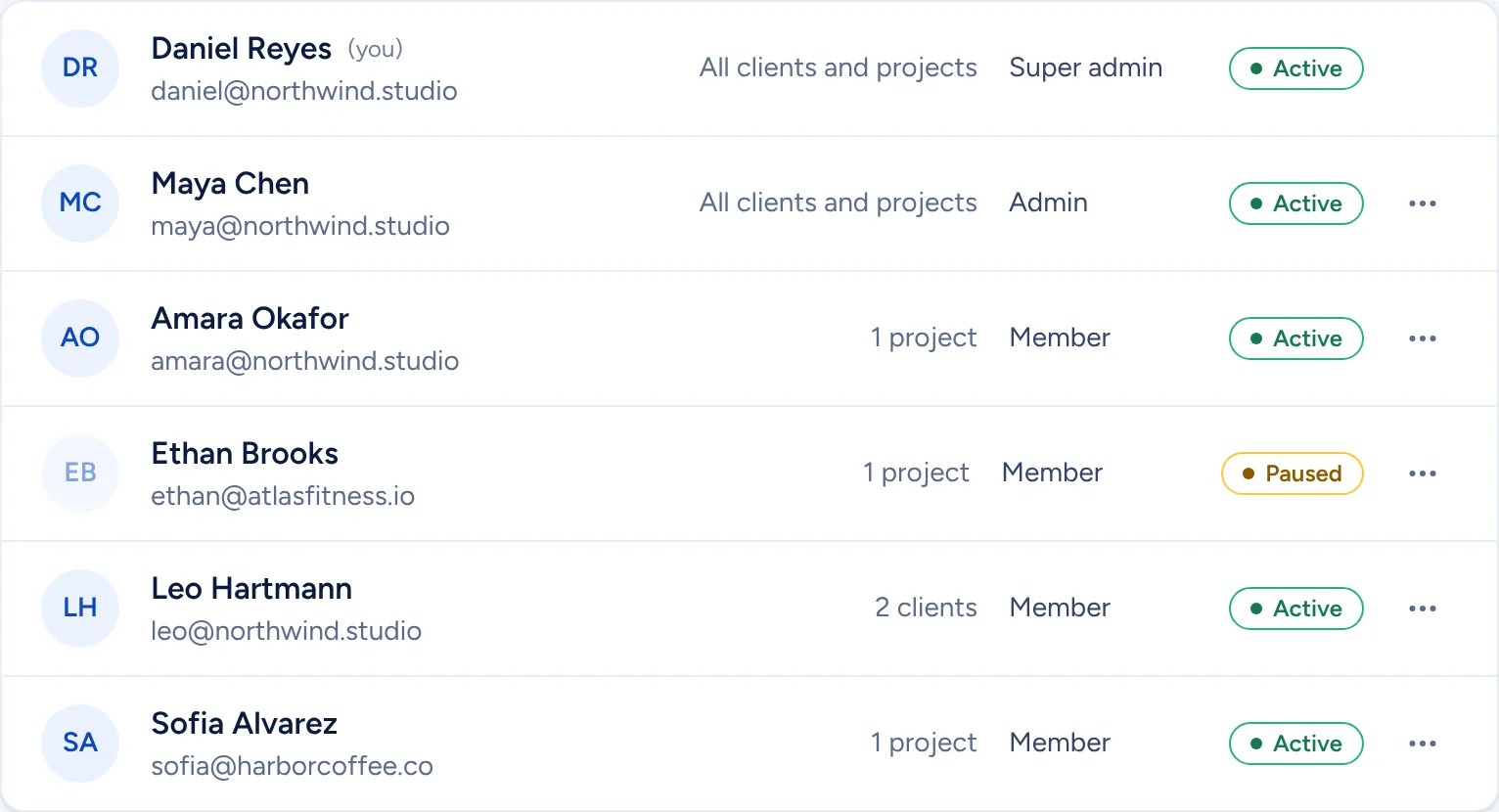
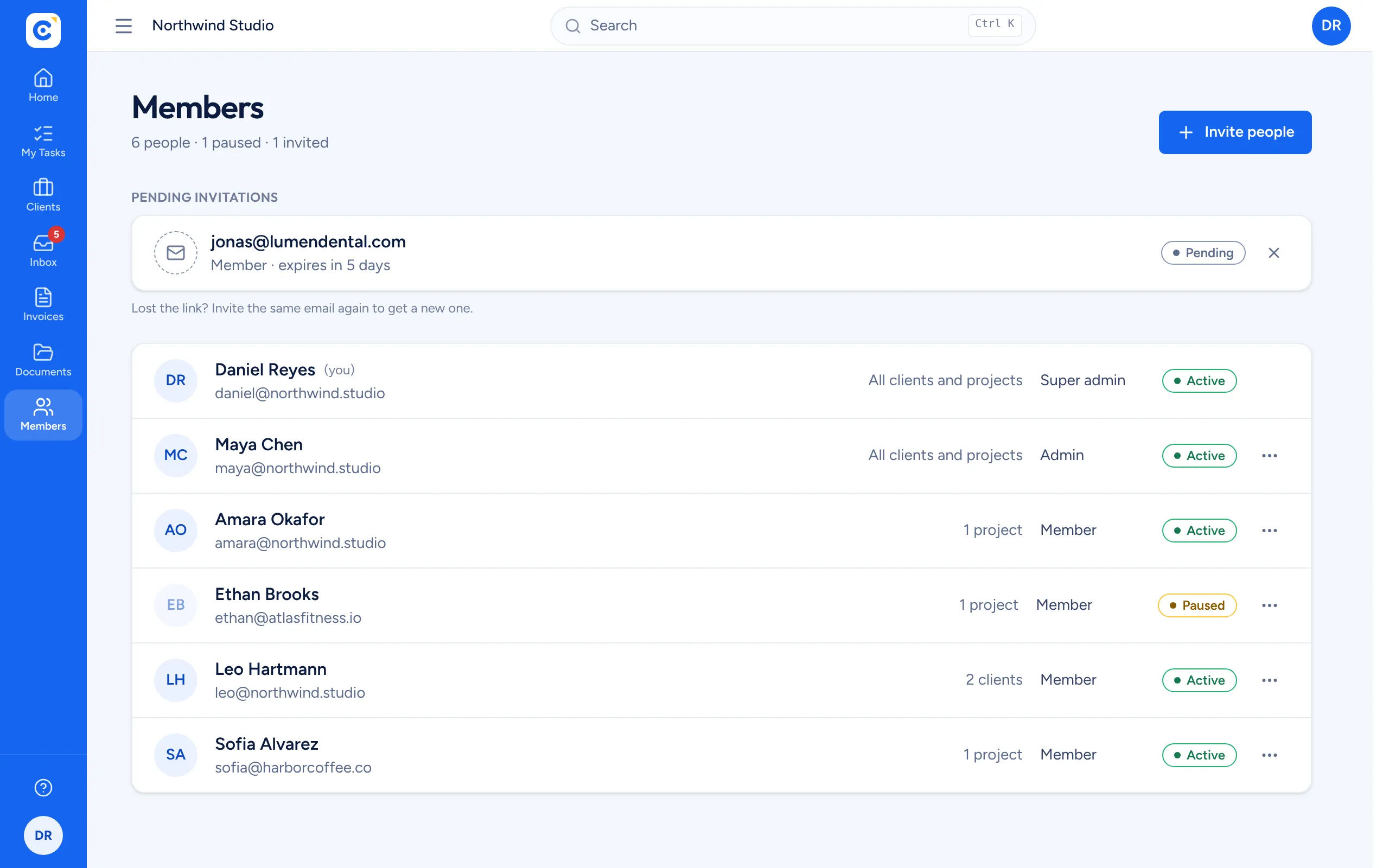
- Admins and members with clear roles
Clients in the loop, on your terms
Invite client contacts to a whole client or to selected projects. They see live progress and can add requests, while your internal projects stay private. Pause or remove access at any time.
- Access per client or per project
- Pause, resume or remove in one click
- Sign someone out of every device
Questions we hear
Is Clientfolk really free for a team?
Yes. Your team members and your clients use Clientfolk for free, with no per-seat pricing.
Can we keep internal projects hidden from clients?
Yes. Clients only see the clients or projects you share with them. Everything else stays visible to your team only.
What roles are there?
Every organization has one owner. Admins manage clients, projects and people, and members work on the projects they have access to.
Who can see our quotes and invoices?
Only admins. Quotes, invoices and their files are kept out of reach of members and clients, while project folders are shared with the people working on them.
Can one person belong to several organizations?
Yes. A freelancer who also works with your agency can switch between organizations from the avatar menu.
Bring your team and your clients onto one live plan.
Create your agency’s organization, invite your team and share your first client project today.
Get started free